Review
On this page
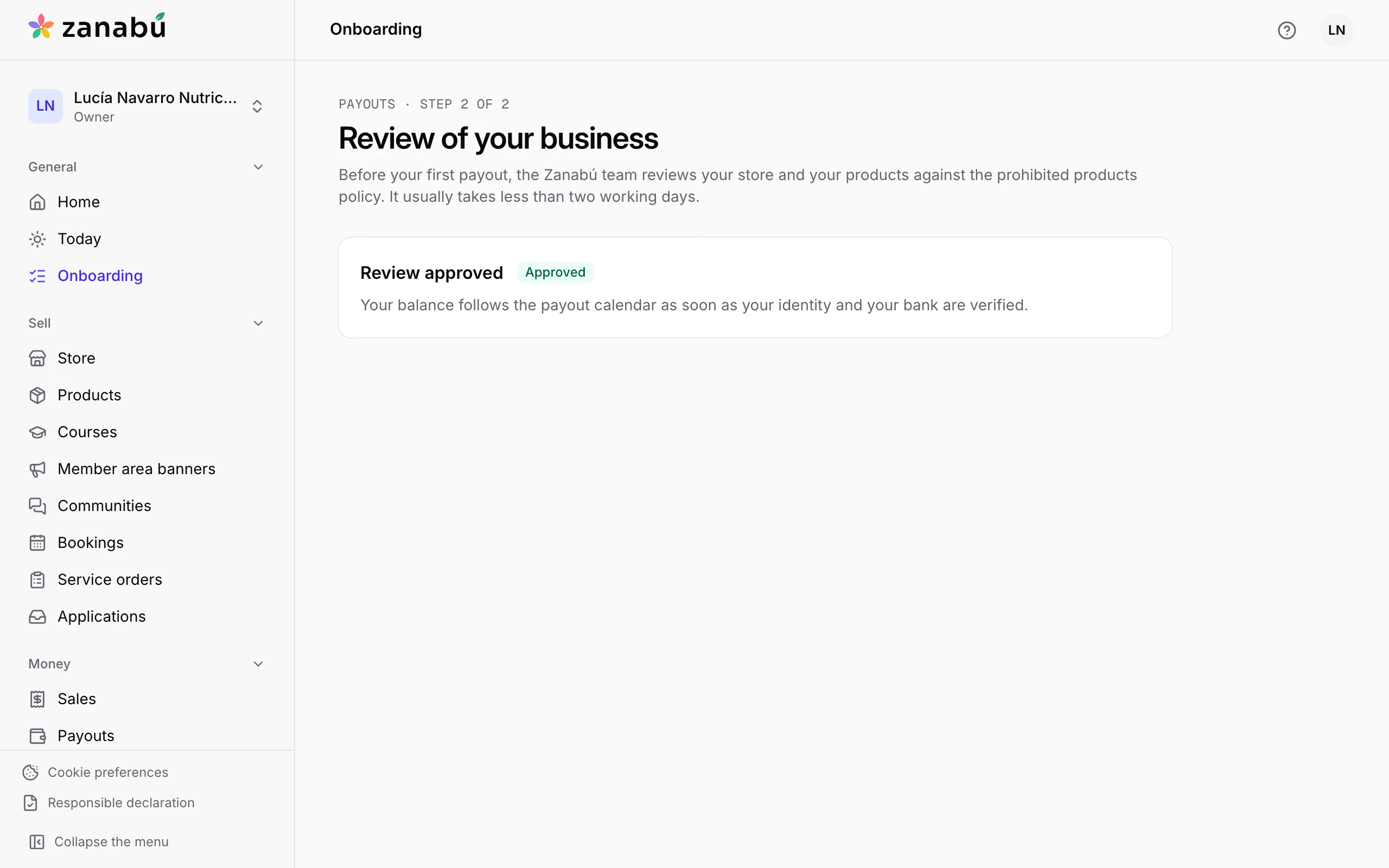
Here you follow the review of your store and your products that the Zanabú team makes before your first payout. The review checks that nothing falls into the prohibited products policy and that the store does not give misleading information.
It starts when you verify your identity and your bank account. It usually takes less than two business days. Meanwhile you can keep selling.
How to get there
In Onboarding, select Zanabú review, the second of the two steps of Verify to get paid.
What you can do
- Follow the status of the review.
- Go with Go to Payout account to verify your identity and your bank account while one is missing. The review starts when you verify them.
- Read the reason and the team's message if it is not approved.
- Ask for a new review after fixing what is missing.
- Check the previous reviews in History.
Step by step
Ask for a new review
- 1. Read the reason in Your review was not approved.
- 2. Fix your store or your products.
- 3. Select Ask for a new review.
What happens next
The screen says Review in progress with the day it started. When it ends, Zanabú lets you know by email and right here. If it is approved, you receive the email «Review of …: approved» with the name of your business and your balance follows the payout calendar.
Keep in mind
- A review is rejected because of a prohibited product, misleading information or because the store has no product to review. You cannot sell until the team approves a new one.
- What you have to fix is explained in My review was not approved.
These roles can open this screen: owner, admin and accounting.
Was this helpful?
Need to talk to us?
If you didn't find what you were looking for, write to us. We reply within two working days.