Tax authorisations
On this page
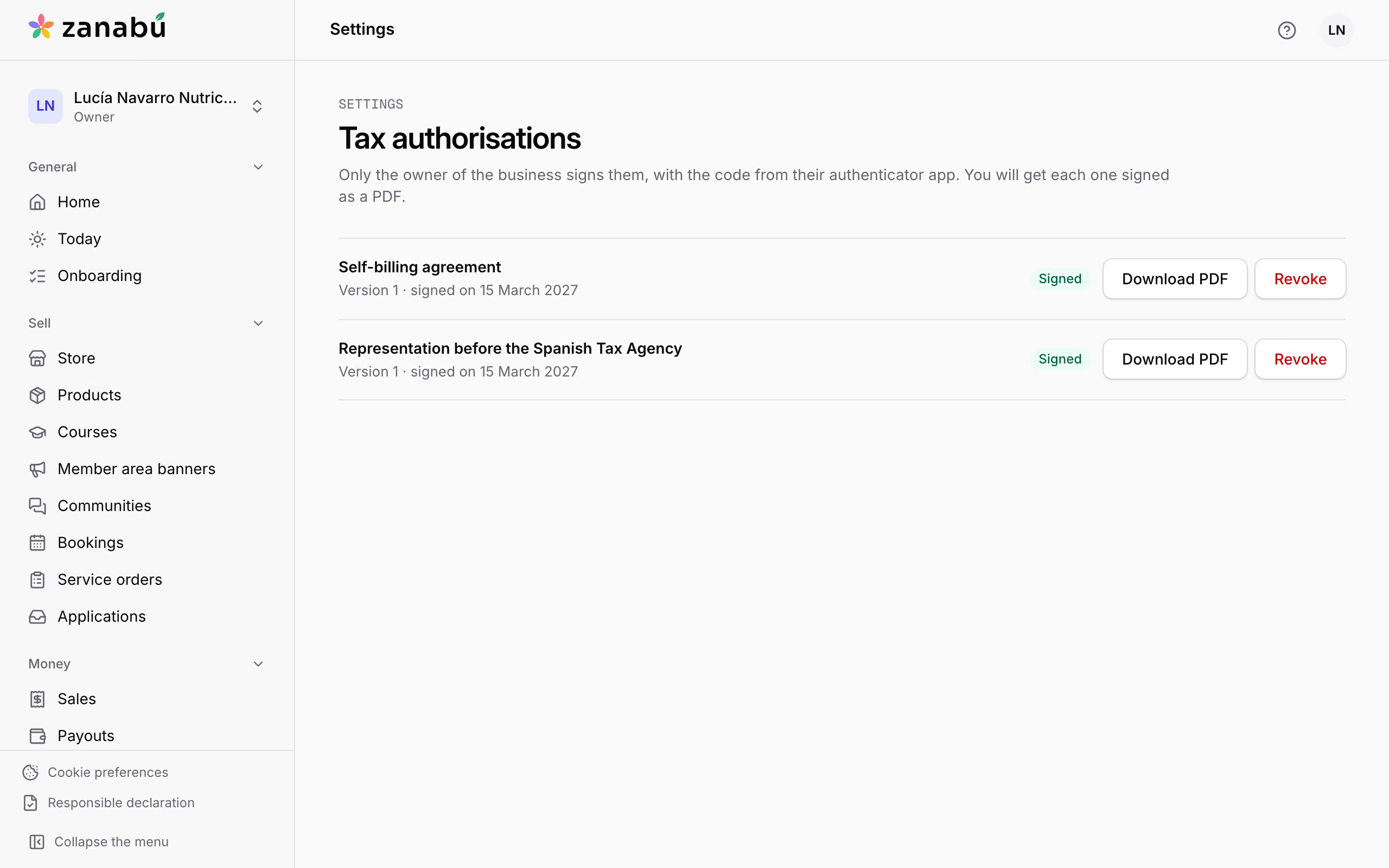
Here you sign the authorisations that let Zanabú issue your self-billed invoices and send their records to the tax authorities in your name. There are two and each one is signed with the code from your verification app. When you sign, you receive by email the PDF with the text, the version and the fingerprint of the document.
Without them Zanabú cannot settle your sales, so your sales stop while one is missing.
How to get there
Open Settings and select Tax authorisations, where you sign, download and revoke them.
What you can do
- Sign the Self-billing agreement, for the self-billed invoices of what Zanabú sells as the legal seller.
- Sign the Representation before the Spanish Tax Agency, so that Zanabú sends your Verifactu records.
- Download each signed authorisation with Download PDF.
- Revoke an authorisation with Revoke.
Step by step
Sign an authorisation
- 1. Select Read and sign.
- 2. Read the text and tick I have read the text and accept it on behalf of the business.
- 3. Write the Code from your authenticator app.
- 4. Select Sign.
What happens next
The authorisation appears as Signed with its version and its date. The PDF reaches you by email. If Zanabú publishes a new version, the screen asks you to sign it before a date with Sign the new version.
Keep in mind
- Only the owner of the business signs and revokes the authorisations.
- Self-billing requires a prior agreement with whoever issues the invoices, according to article 5 of the Invoicing Regulation, Royal Decree 1619/2012, in force since 1 January 2013.
- A revocation takes effect on the last day of the month, so that Zanabú issues the settlement of the month with it. From the moment you ask for it you cannot make new sales, because every sale needs both authorisations.
- The text you sign is the Spanish one. The English version is a translation.
Was this helpful?
Need to talk to us?
If you didn't find what you were looking for, write to us. We reply within two working days.