Statement and countries
Reviewed on 4 October 2026
On this page
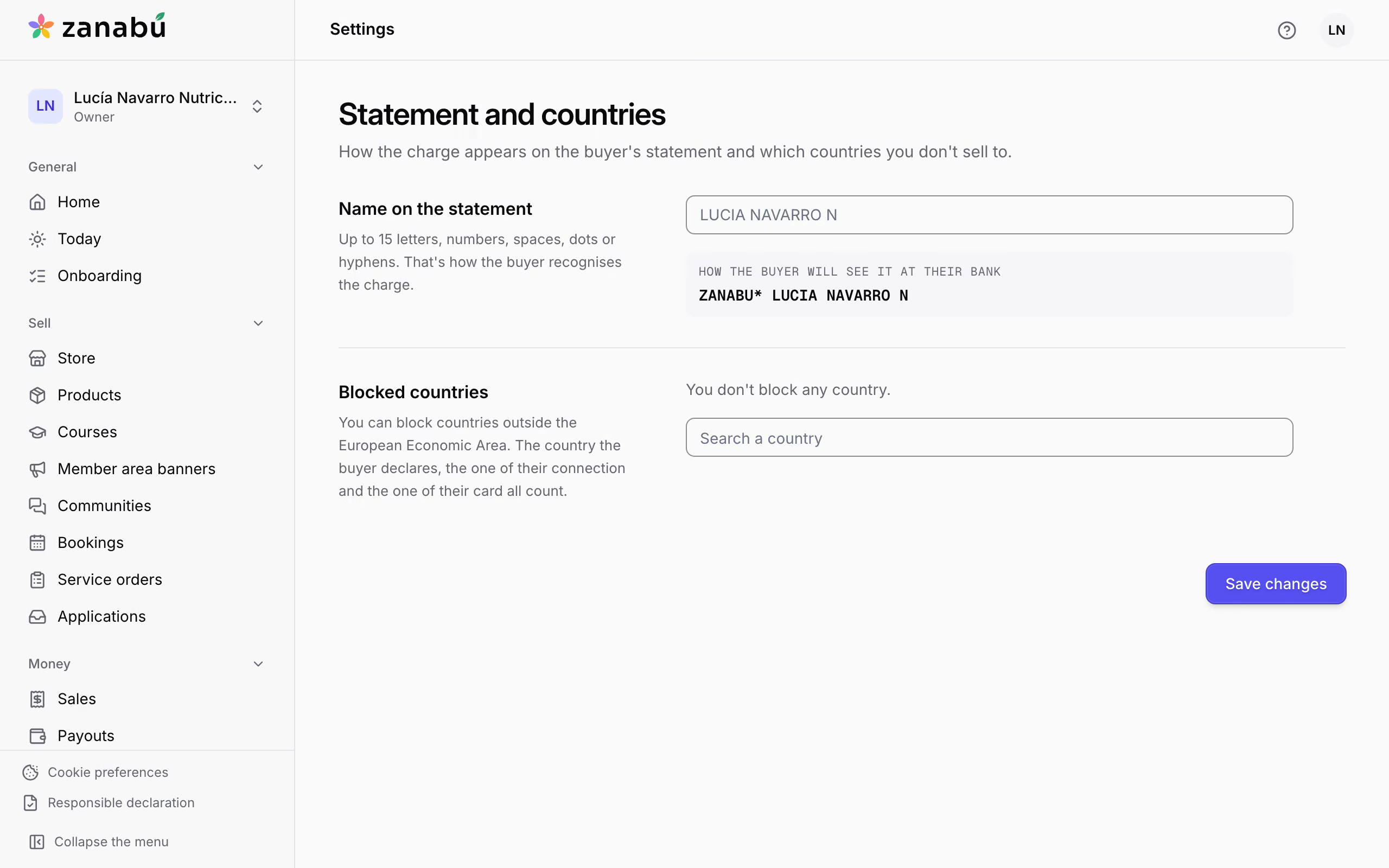
Here you decide how the charge appears on the buyer's statement and which countries you do not sell to. Below the name, under How the buyer will see it at their bank, you have the charge as they will read it.
How to get there
Open Settings in the side menu and click Statement and countries, the card of the statement name and the blocked countries.
What you can do
- Change the Name on the statement and see how it will look at the bank.
- Block purchases from specific countries under Blocked countries.
- Remove a country from the blocked list.
Step by step
Block a country
- 1. Type the country in Search a country.
- 2. Choose the country in the list.
- 3. Click Save changes.
Change the statement name
- 1. Type the Name on the statement.
- 2. Check the preview.
- 3. Click Save changes.
What happens next
From that moment nobody can buy from a blocked country. Zanabú checks the declared country, the one of the connection and the one of the card. The new name shows on the following charges.
Keep in mind
- The statement name takes up to 15 letters, numbers, spaces, dots or hyphens. Use one your buyers recognise to avoid chargebacks.
- You can only block countries outside the European Economic Area.
- Only the owner and the administration can change these settings. The rest of the team sees them without being able to change them.
- The payment methods each buyer sees are not chosen here. Zanabú offers them depending on the product, the country and the payment mode.
Was this helpful?
Need to talk to us?
If you didn't find what you were looking for, write to us. We reply within two working days.