Developers
Reviewed on 5 October 2026
On this page
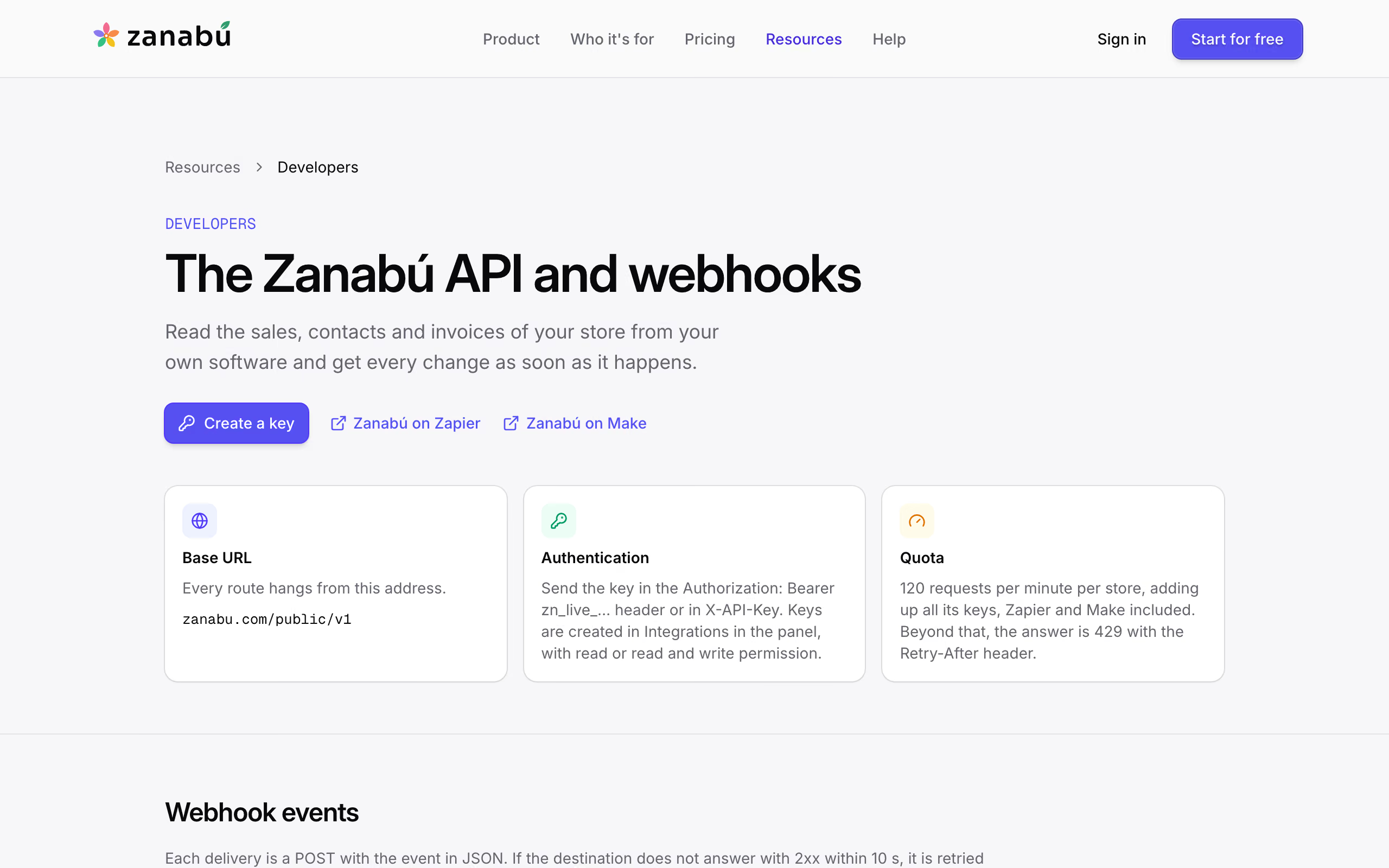
This is the public reference of the Zanabú API and webhooks. Whoever programs an integration with your store reads it, without having to sign in to Zanabú. It explains how to authenticate, the request quota, each API route and each webhook event.
How to get there
Open zanabu.com/developers, or click Developer reference in Integrations in the panel.
What you can do
- See the base address, the authentication and the quota.
- Read the API reference, with the parameters, the responses and an example of each route.
- Look up the Webhook events and when each one arrives.
- Copy the Verify the signature example with Copy the code.
- Open Zanabú on Zapier or on Make.
Step by step
Start an integration
- 1. Click Create a key to go to your integrations.
- 2. Create the key with the permissions you need.
- 3. Call the API with the key in the header the page explains.
What happens next
Your software reads your store's sales, contacts, products, bookings and invoices. With the write key it also saves contacts with their tags.
Keep in mind
Was this helpful?
Need to talk to us?
If you didn't find what you were looking for, write to us. We reply within two working days.