Chat
On this page
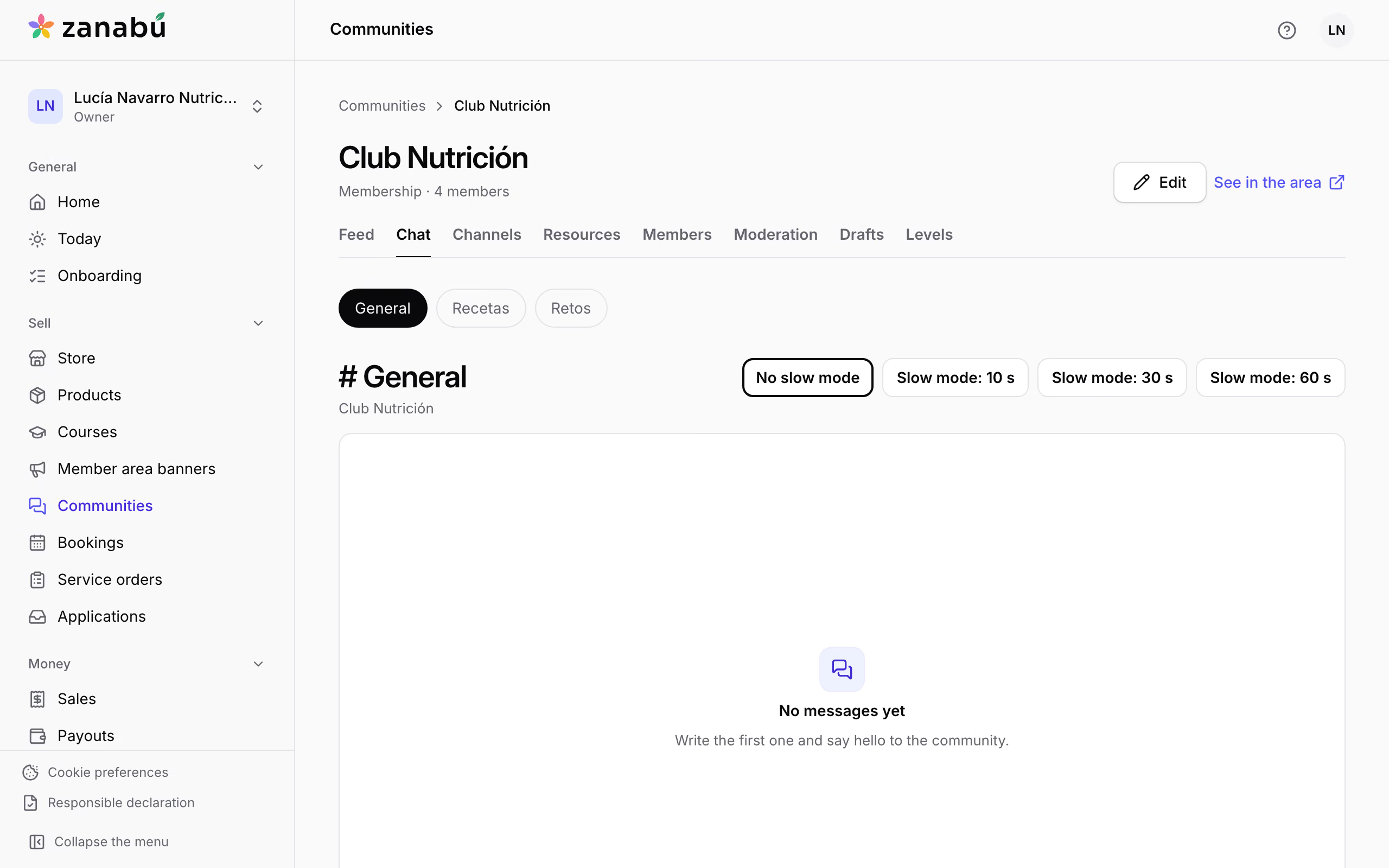
Here you talk live with the members in each channel of the community and moderate what is written. Messages arrive at once, with their threads, their mentions and their reactions, and the header of the channel says how many people are online and how many reports are still open.
How to get there
Open the community from Communities and press the Chat tab. Choose the channel in the row of channels.
What you can do
- Write under the name of your store and reply in the thread of a message with Reply in a thread.
- Mention with @ any member who reads the channel and the team of the store.
- Mute a member for 1 hour, 24 hours or 7 days from the menu of their message.
- See an open report with See the report and delete a message with Delete message.
- Set the slow mode of the channel or turn it off with No slow mode.
Step by step
Mute a member
- 1. Open the menu of the message with the three dots button.
- 2. Press mute and choose 1 hour, 24 hours or 7 days.
What happens next
Whoever is muted reads the chat and cannot write until the silence ends. The slow mode makes each member wait those seconds between two messages. The team and the moderators write without waiting.
Keep in mind
- A message you delete stays as «Message deleted by a moderator» for the whole channel. Before you delete it, the chat asks you to confirm it.
- Beside each channel you see how many messages you have not read. If the connection drops, the chat says so and reconnects by itself, or at once if you press Retry.
- A support person enters the chat of a community once an administrator makes them a moderator.
- Reports are decided by the moderation team of Zanabú, which tells you its decision.
These roles can open this screen: owner, admin, content editor and support.
Was this helpful?
Need to talk to us?
If you didn't find what you were looking for, write to us. We reply within two working days.