My subscriptions
On this page
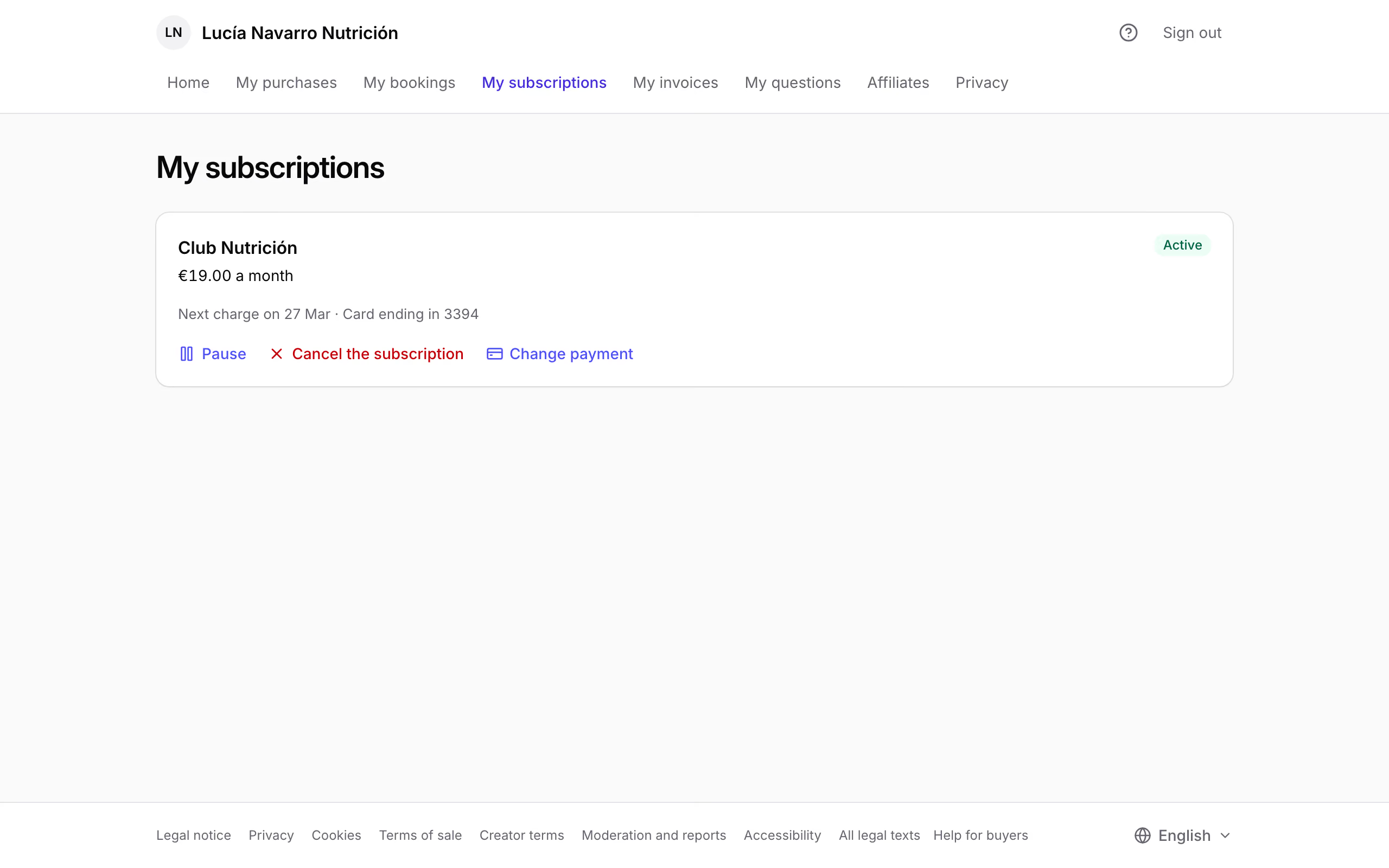
Here you manage your subscriptions and instalment payments in this store. Each subscription shows its price, its status, the date of its next charge and the payment method. Instalment payments appear below, under Instalment payments. Each one shows its status and the instalments you have paid with your card. While it still charges, it shows the date of the next instalment.
How to get there
In your area, click My subscriptions in the top bar. From a purchase you also get here with Subscription, in its options.
What you can do
- Change a subscription's payment method with Change payment.
- Pause a subscription with Pause and resume it with Resume.
- Cancel a subscription with Cancel the subscription.
- See how many instalments of a plan you have paid and the amount of each one.
Step by step
Pause a subscription
- 1. Click Pause on the subscription.
- 2. Choose a date under Resume on (optional) if you want it to resume on its own.
- 3. Click Pause under the date.
Cancel a subscription
- 1. Click Cancel the subscription.
- 2. Tell us why under Do you want to tell us why? (optional) if you like.
- 3. Confirm with Cancel the subscription.
What happens next
When you cancel, you keep access until the end of the paid period. The subscription says until which date. After that you are not charged again. When you pause, the subscription becomes Paused and nothing is charged until you resume it.
Keep in mind
- A Completed or Cancelled instalment plan has no next instalment.
- With no subscriptions or instalment plans with this creator, the page tells you what will show on it.
- While a subscription is paused nothing is charged and access is paused.
- If a charge fails, the subscription becomes Payment pending. Click Change payment to add another card. My subscription could not be charged explains it.
- A subscription In trial is not charged until the trial ends. We let you know by email a few days before the first charge.
Was this helpful?
Need to talk to someone?
The creator of the store sold you the product. They handle access, changes and refunds for your purchase.
Open the store from your purchase email and tap “Help” at the bottom of the page.
For a charge you don't recognise, buyer protection or your data, write to Zanabú. Write to support