My question
On this page
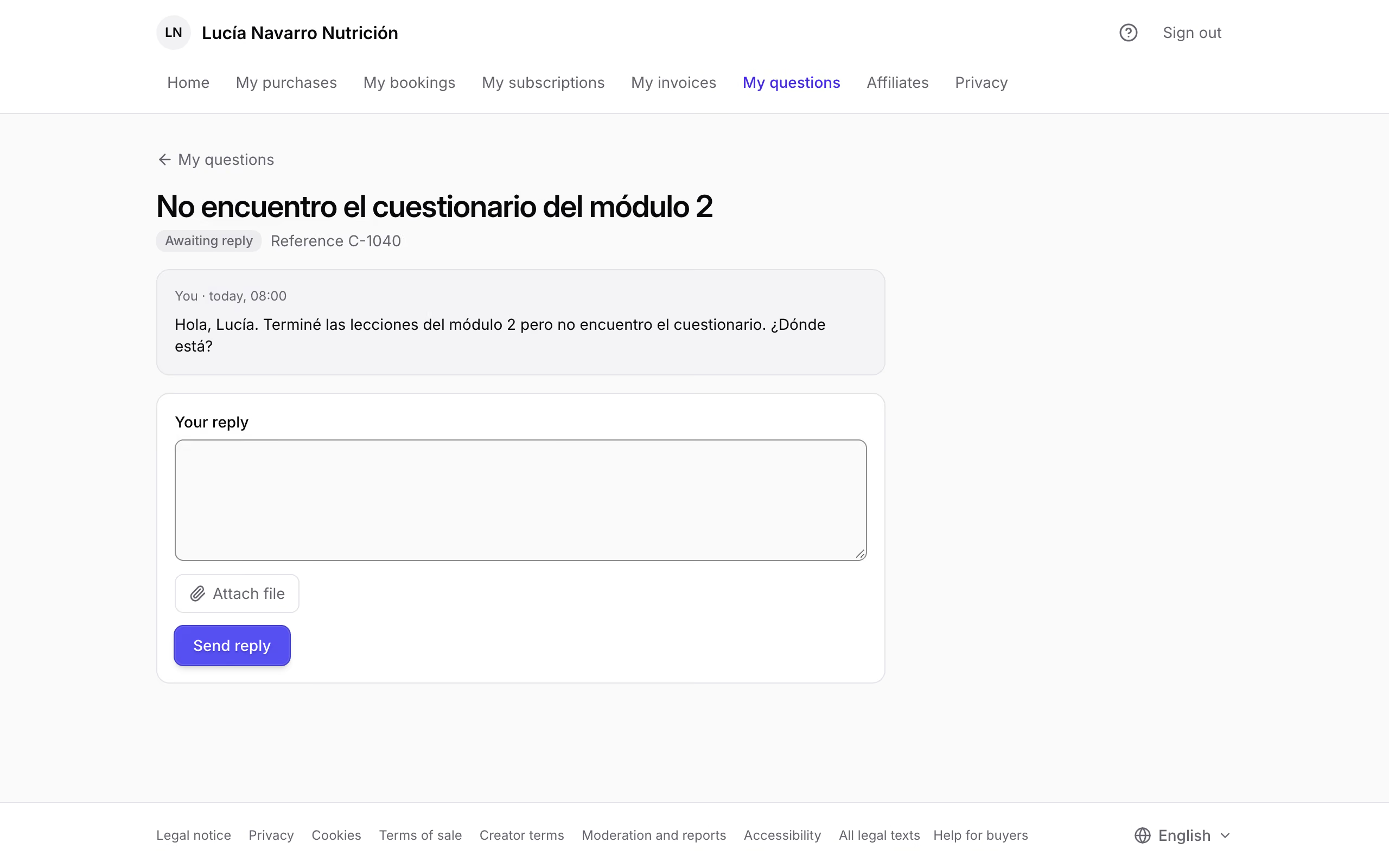
Here you see a question you have asked the store, with its reference number at the top. Below are all its messages in order, yours and those of the store's team, with their attachments.
How to get there
In your questions, click the question in the list. The email that tells you about a reply also brings you here.
What you can do
- Read the store's replies.
- Reply to continue the conversation.
- Download each message's attached files by pressing their name.
Step by step
Reply to the store
- 1. Write in Your reply.
- 2. Click Send reply.
What happens next
Your reply reaches the store and the question goes back to waiting for its answer. When it answers, its reply reaches you by email with the link to this question. You can carry on from the email or from here.
Keep in mind
- If the question is resolved and you write again, it reopens and the store sees it among the open ones again.
- Keep the reference handy if you write to the store another way, because that way they find the conversation straight away.
- Do not write passwords or card details in your reply. The store will never ask you for them.
Frequently asked questions
Can I attach a file to my reply?
Yes. Under Your reply you can add up to 5 files of 10 MB each before you press Send reply.
Was this helpful?
Need to talk to someone?
The creator of the store sold you the product. They handle access, changes and refunds for your purchase.
Open the store from your purchase email and tap “Help” at the bottom of the page.
For a charge you don't recognise, buyer protection or your data, write to Zanabú. Write to support